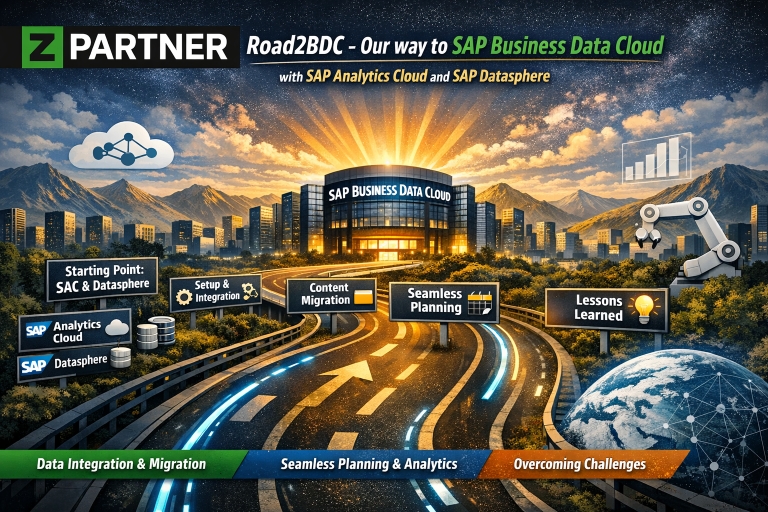
Road2BDC – Our way to SAP Business Data Cloud with SAP Analytics Cloud and SAP Datasphere
In this little blog post we want to share our way to go, what difficulties we came across and also our lessons learned.
Where we started
Our setup before was a SAP Analytics Cloud Tenant and also a SAP Datasphere Tenant.
As the SAP Business Data Cloud is a centralized platform for both components, we decided to go for this solution (also because of the costs?).
Please note: As we’re using TDD tenants and therefore rewiring was not an option, we had to migrate the contents of our old SAC and Datasphere tenants to new tenants.
First Steps
In a first step we set up the BDC and defined in SAP for ME our Customer Landscape formation with SAP Analytics Cloud and SAP Datasphere. Here we already had the first issue because normally the created formation should then be displayed in the BDC System Landscape, but it wasn’t. We reported it to SAP and it got fixed, for 2 months, then it broke again. We reported it again and a few days later it was fixed again, without really knowing what caused this issue.
Content migration
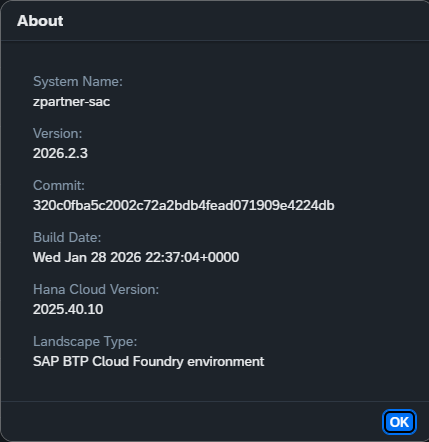
Meanwhile we started with the migration from our “old” SAC tenant to the “new” BDC SAC tenant. We made sure both were on the same version:
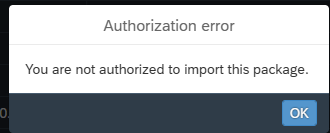
We transported our file structure in small packages, main folder by main folder so that we could better react if a transport was not running successfully. This was running smoothly so far and almost finished until at one point in time we were not longer able to import on the new SAC tenant. There was this error message popping up:
Checking the logs we got this message:
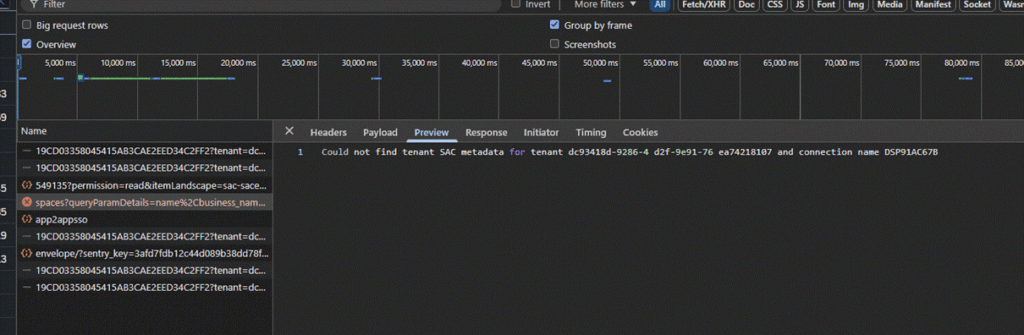
We had no quick solution for this, but we resumed with the things which could be done manually. OAuth clients in the app integration administration tab, users, teams and roles were created manually on the new tenant. As the issue still remained, we reported it and asked for help.
In the meantime, the still needed SAP Datasphere spaces were identified and subsequently space per space imported.
We also created a custom role with the authorization for everything and a scoped role where we included this custom role, all our internal users and all the associated spaces.
Difficulties
We also wanted to set up Seamless Planning functionality between SAC and DSP, which we were already using in the setup before.
We checked the setup of all necessary steps like described in KBA 0003515100 and made sure our system was correctly prepared, but we identified an issue with the Data Storage for Planning Link. We were getting an error message „An error occurred and we could not link your tenants. Please try again. Correlation ID: 2757028987174218b571512868421091 “.
We then double checked (again) the system owner set-up in DSP and SAC and reassigned the system owner to be exactly the same in both tenants to be 100% sure. Also, the SAML set-up was compared another time. This was also looking good. We also compared it to our old SAC/DSP landscape where the set-up was working and could not spot any differences.
The investigation found out that there was a stale connection between the two tenants we wanted to link. At some point they were linked and the delinking was not successful. The fix which was proposed was to delete the stale connection and afterwards we were able to link them properly.
As we still had the other ticket open in regards of no being able to import packages and getting an authorization error, the assumption was, that this problem should also be fixed by deleting the stale connection.
And it turned out like it was said. Everything was working afterwards.
Lessons learned
It started really smooth but we think it was to smooth because then we got these few issues, which of course were luckily solved really quickly. So, if you also decide to go this way, check your connections and make sure there is no stale connection somewhere. Our system is up and running now and we’re already using it for different scenarios, seamless planning included.