Datasphere, SAC, Seamless Planning, OData and Multi-Actions: How to bring the two systems closer together.
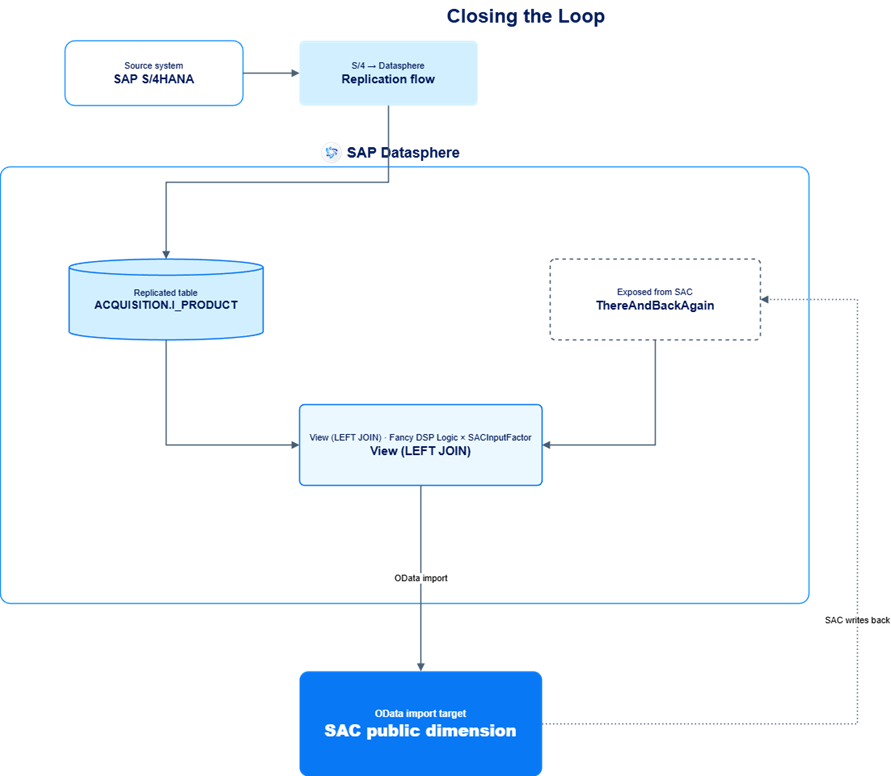
A planner enters an input factor in SAC; Datasphere picks it up, combines it with master data, runs it through custom logic, and sends the calculated result back into SAC whenever the task chain is run. This post walks through the full round-trip setup: a Seamless Planning Dimension in SAC, an OData-exposed view in Datasphere, the OAuth connection between the two, and a BTP CAP triggered Multiaction wrapped in a task chain to bring the result back.
Following up on the brilliant Blog entry by my colleague Triggering SAC Multi-actions from external environments, we now want to use this BTP CAP Service to close the loop between SAC and Datasphere and make the integration even tighter.
A journey that will lead us to SAC, then Datasphere, and then SAC again – or, to put it in more famous words: “There and Back Again”
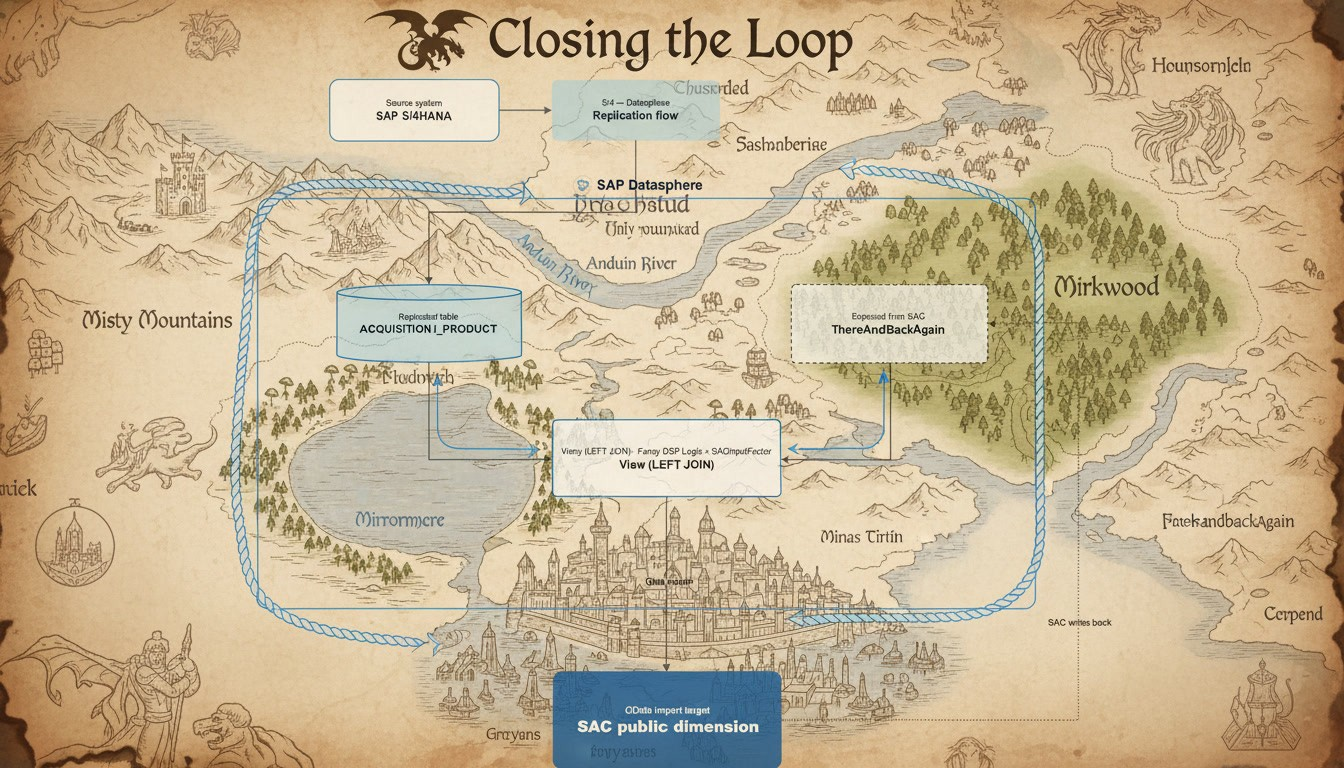
Let us start with a map of our planned journey:
First, we create a Seamless Planning Dimension in SAC:
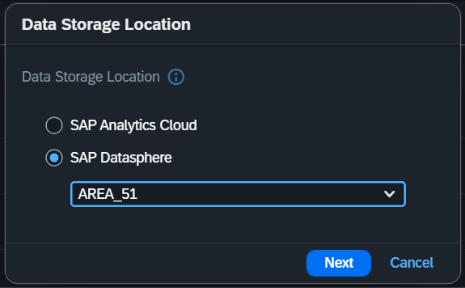
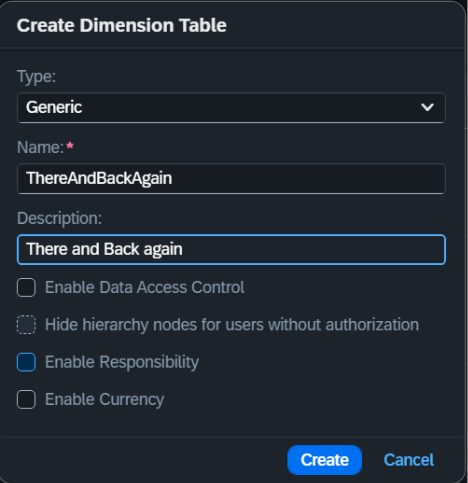
We add the relevant Properties and expose the dimension table to Datasphere:
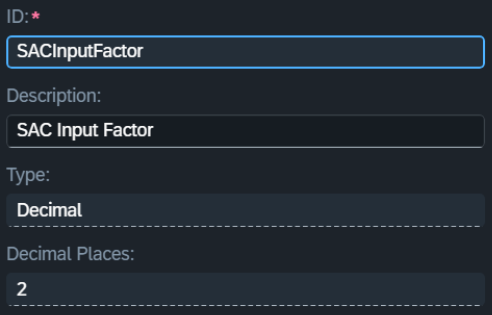
Property for the Input Factor:
Property for the Logic Result:
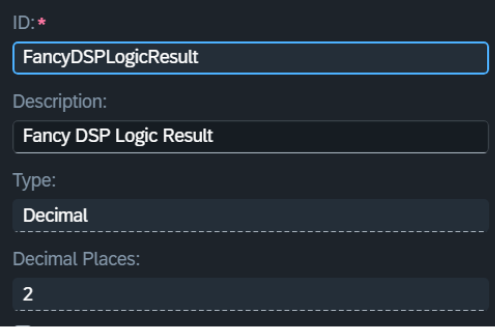
The result now looks like this, and we need to expose and save the dimension:
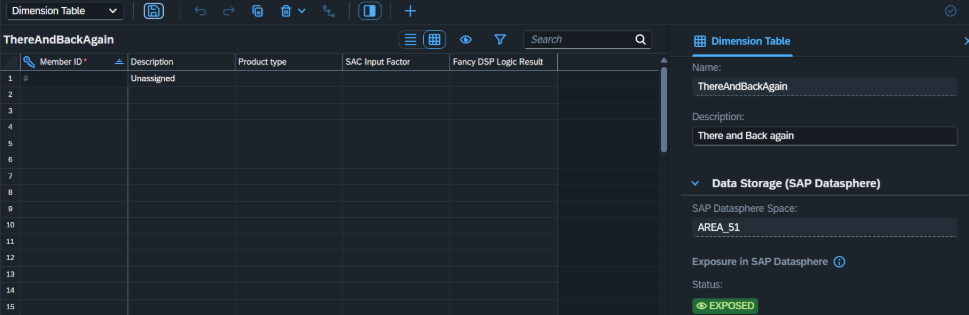
When exposed, we will be able to find the Table itself and the corresponding Text Table in Datasphere:

So far the Dimension is empty. We now need to get the ball rolling.
We combine the Original Product Information with the data from our SAC Dimension.
Based on the SACInputFactor that will be entered via SAC Planning, we can now apply our insanely complex proprietary logic.
If the factor is not (yet) maintained, we default to 1.
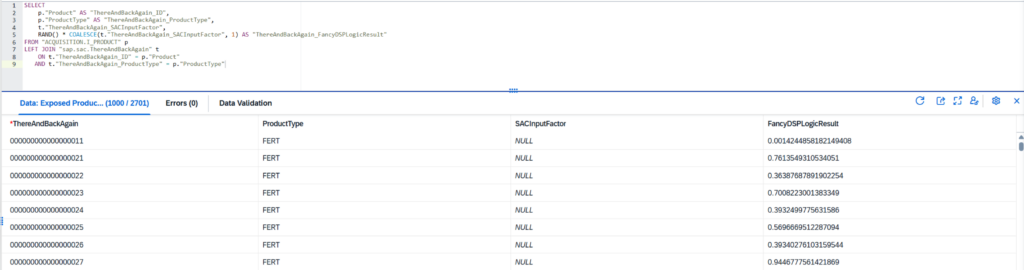
Now we need to expose this view so we can use it in SAC.
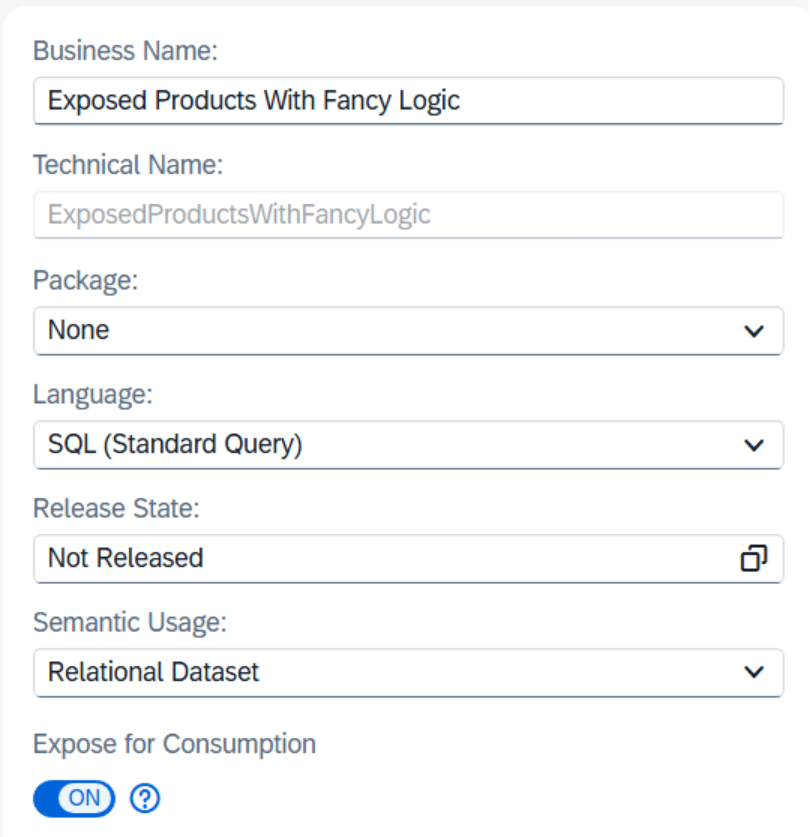
Now that we have it exposed, let’s quickly get the OData URL.
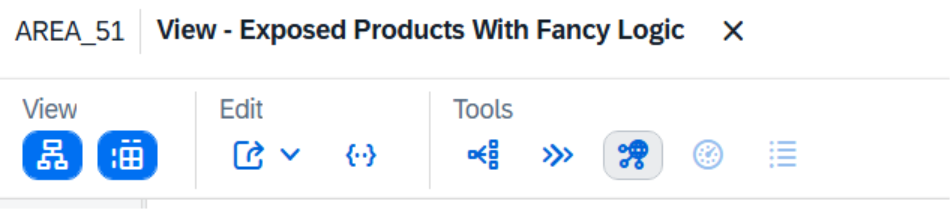
Here we can get the OData Service URL that we will need later:
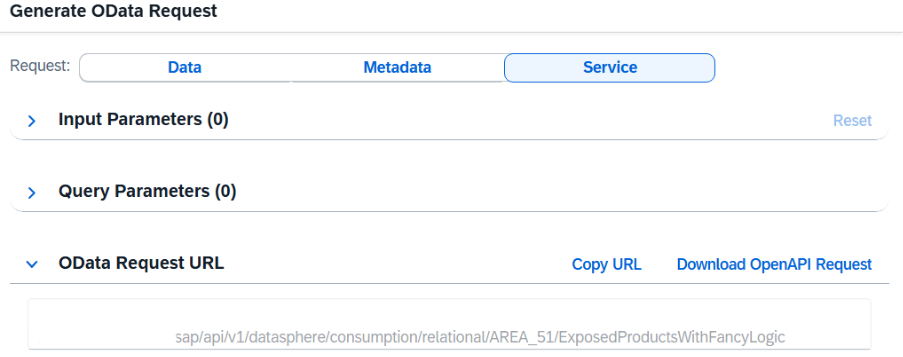
To load data from Datasphere to SAC, we now need to start creating a new OData Connection on the SAC side. Why? Because in SAC we need a new dedicated connection for each OData service.
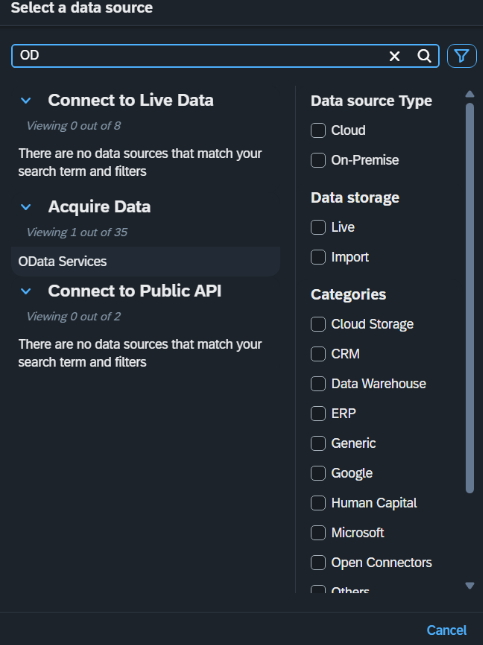
Head over to SAC à Connections and add a new connection:
Select OData Services:
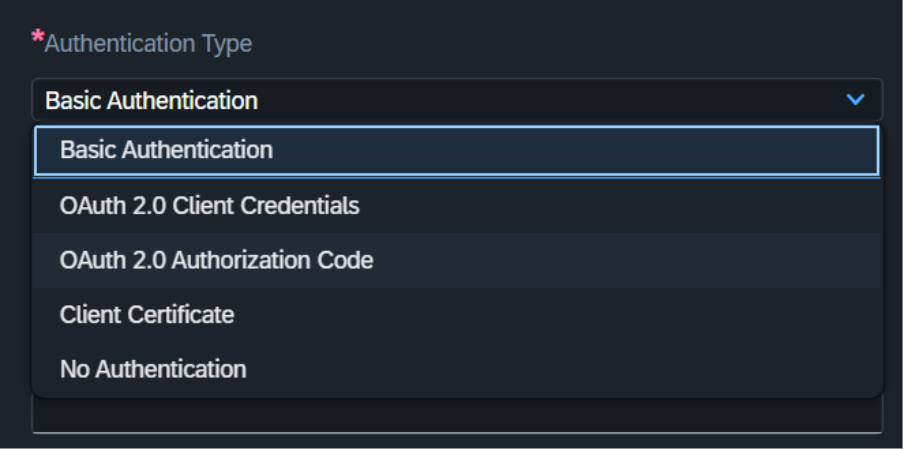
For the first step only, switch the Authentication Type to OAuth 2.0 Authorization Code.
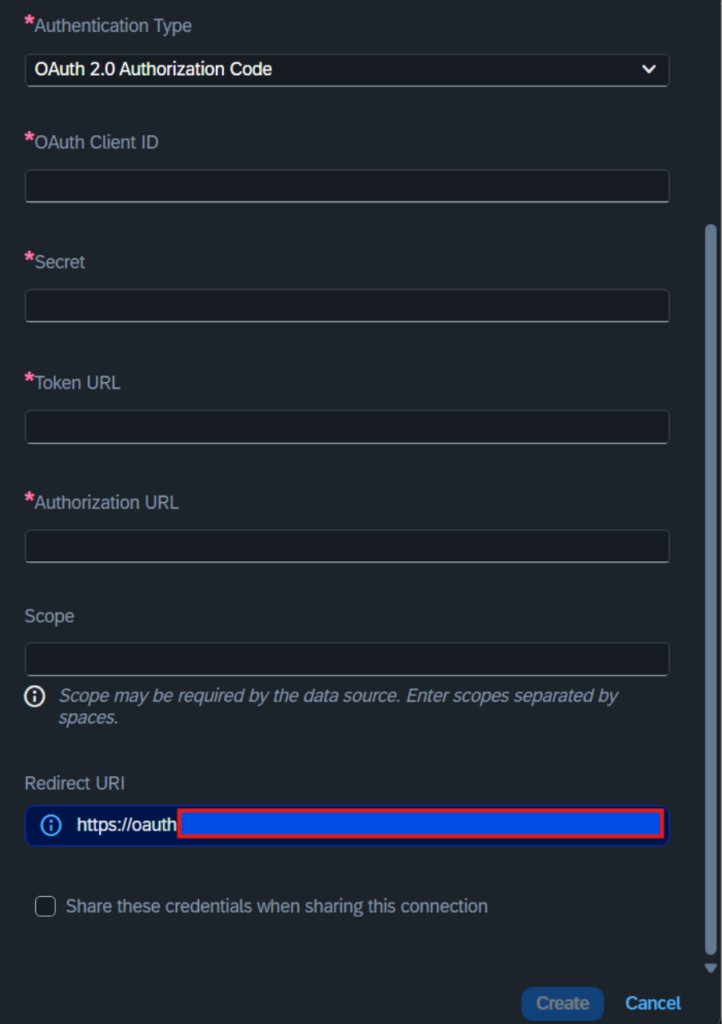
With this done, we can retrieve the Redirect URL further down:
With this done, we need to switch back to Datasphere:
Head over to Administration -> App Integration.
And retrieve the Authorization URL and Token URL.
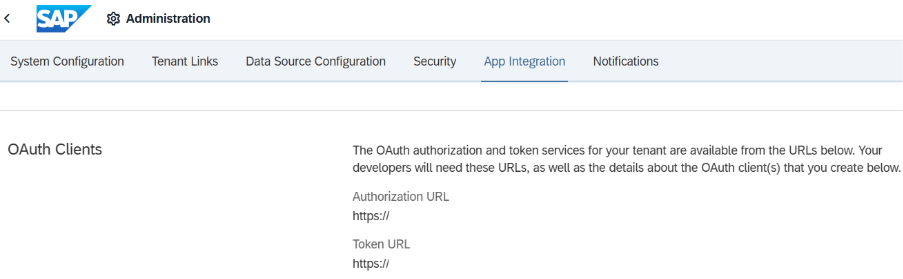
So, to sum it up, we have now collected the:
- OData Service URL from our exposed view
- Redirect URI from SAC
- Authorization URL
- Token URL
And are now officially ready to go.
In the Datasphere App Integration, head down to Configured Clients, select “Add an OAuth Client”:

Here we now only must provide a name and the Redirect URL.
Then click Add.
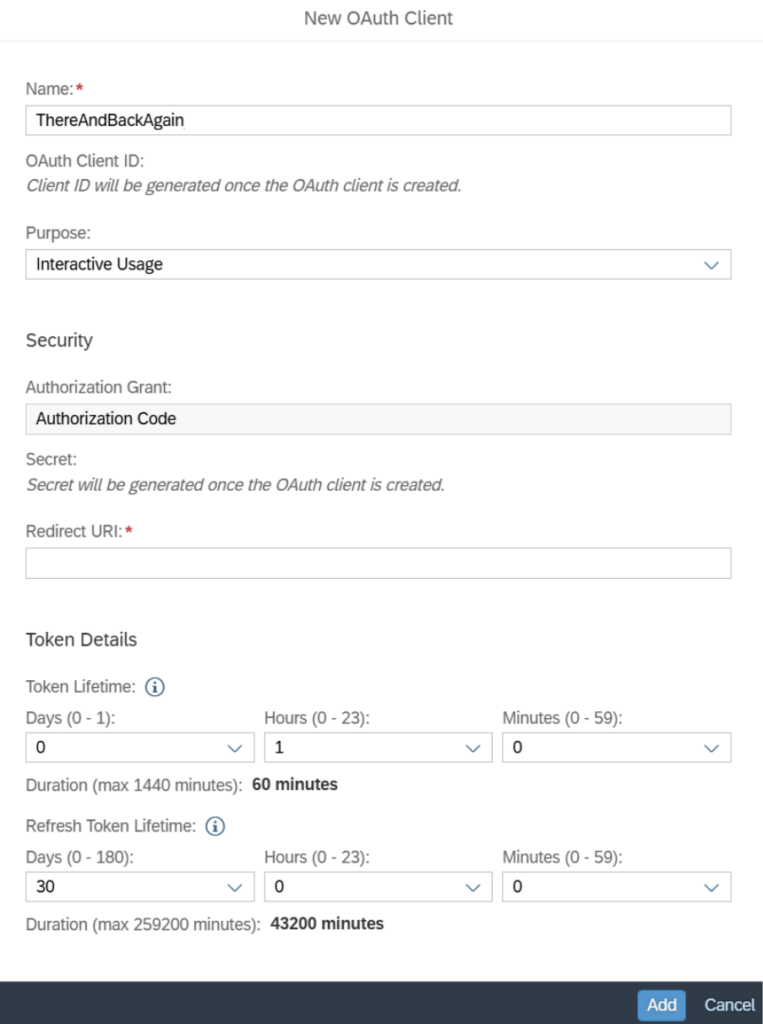
Here you will now have to copy the OAuth Client ID and the generated secret.
Save the secret, as it is generated only once!
Now we switch back to SAC and fill out the rest for our SAC Connection:
Put in all the URLs and IDs that we have collected in the corresponding fields:
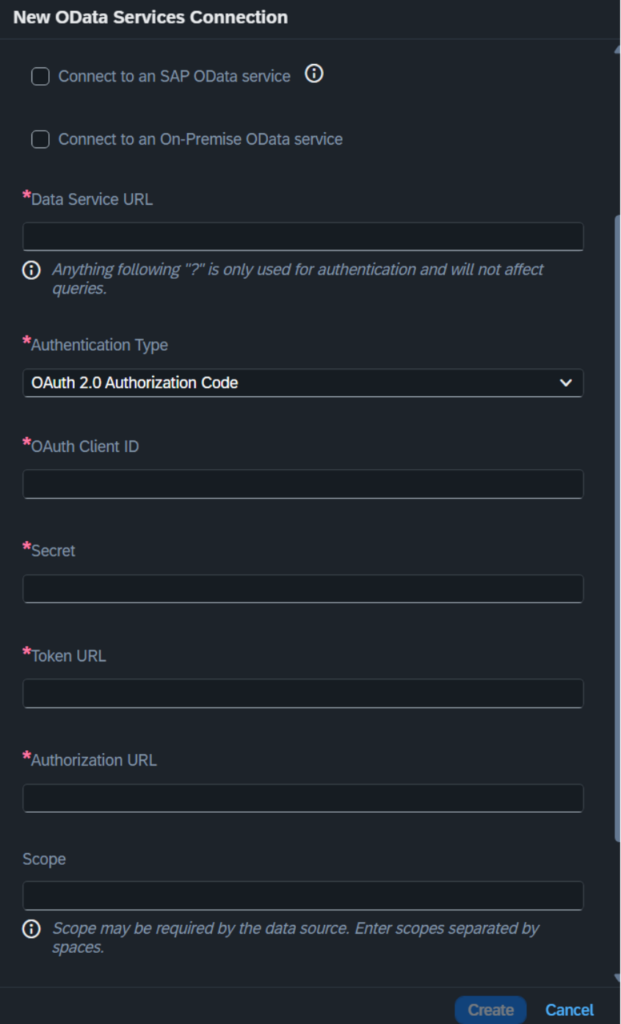
When you push Create (and everything works), we are done with the heavy lifting.
Let us connect our public dimension to the OData Service:
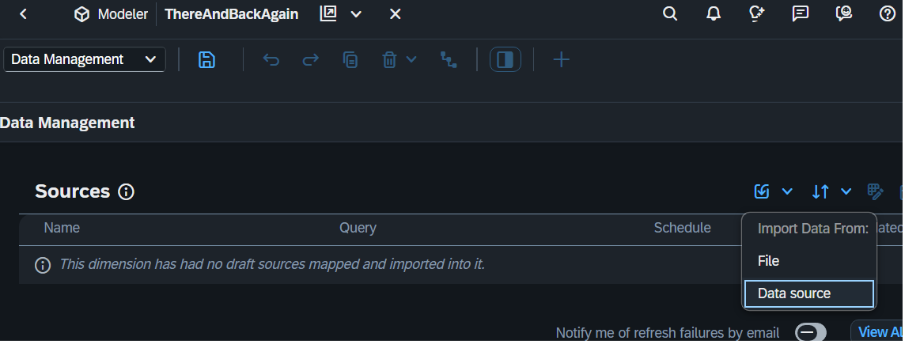
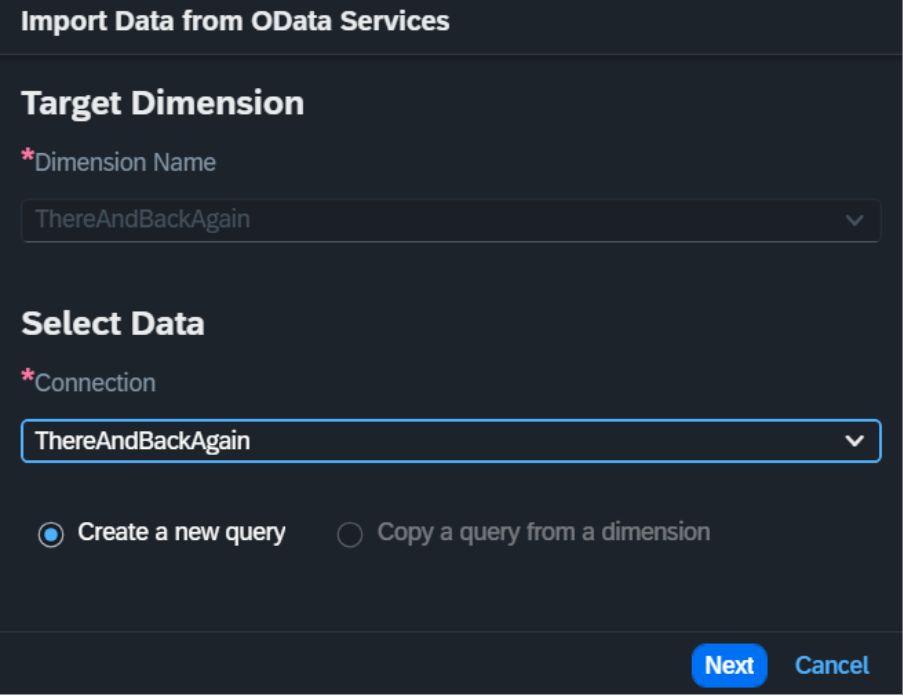
Create the query feeding the dimension:
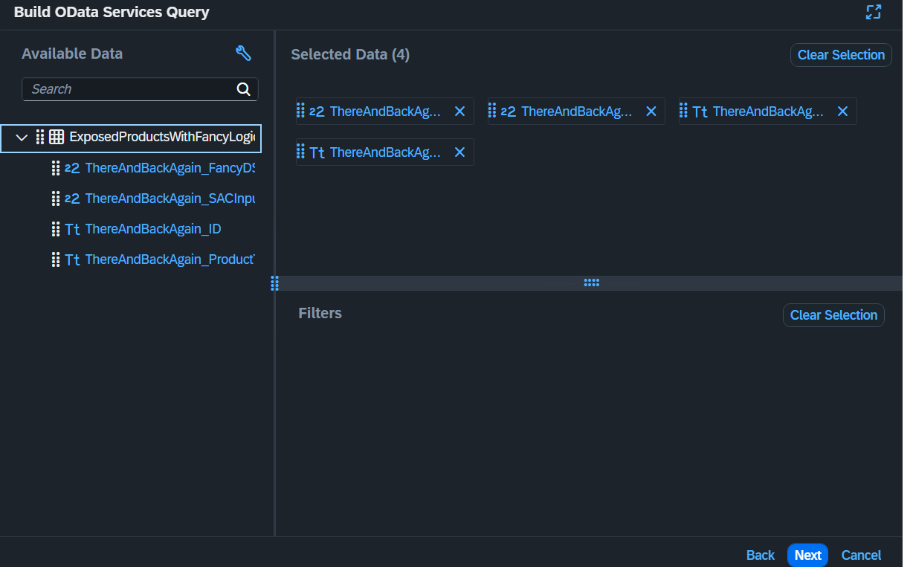
We just take everything in our use case:
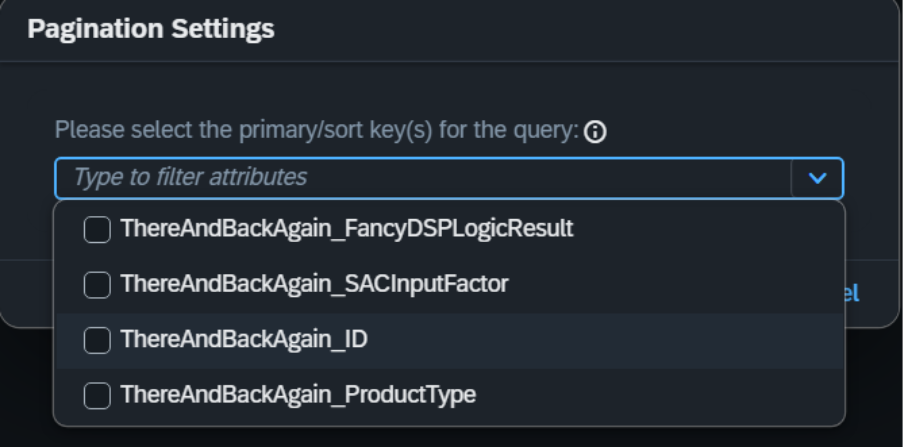
And we need a key:
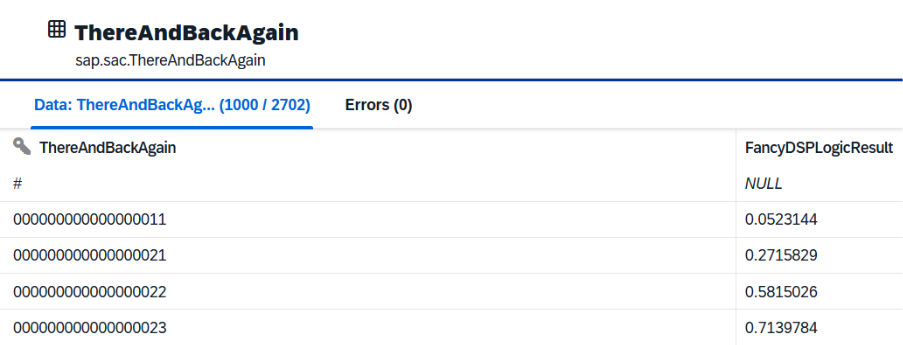
And if everything went well, we should be looking at something like this:
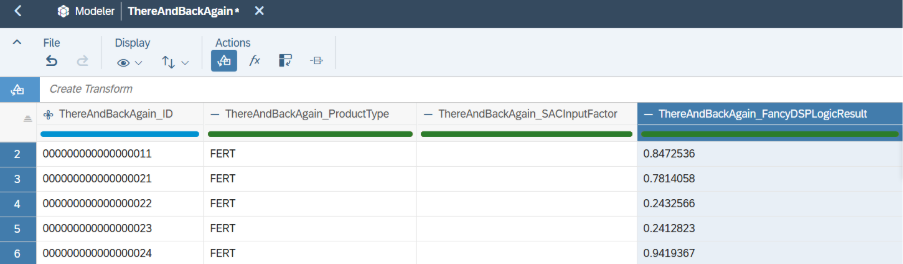
Once we have loaded the data, we are almost there:

A quick check on the Datasphere side now also shows data in the SAC Managed Dimension:
Now back to SAC again, and let’s create a new Multi-Action that triggers the import for our Public Dimension:
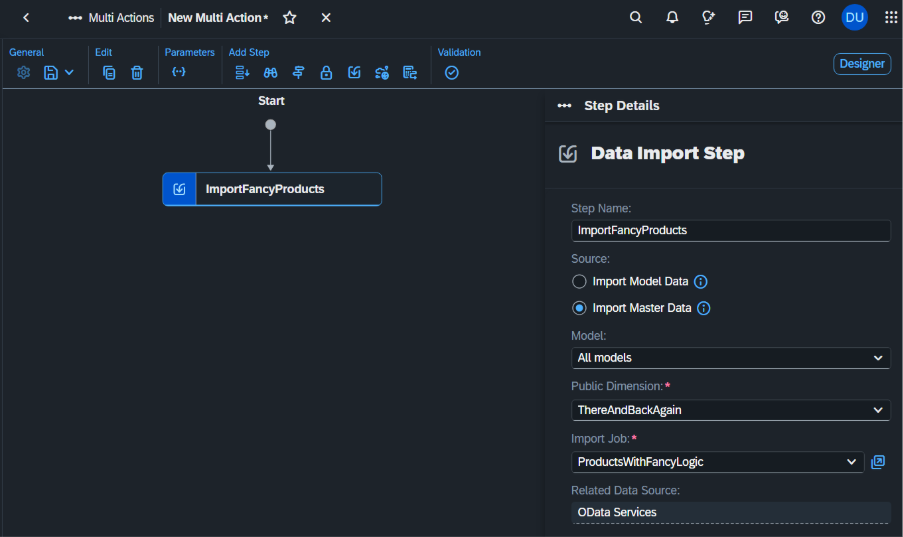
We need the ID of the new Multi-Action. The ID can easily be found at the end of the URL:

Now we can create our task chain that triggers the Multiaction in SAC:
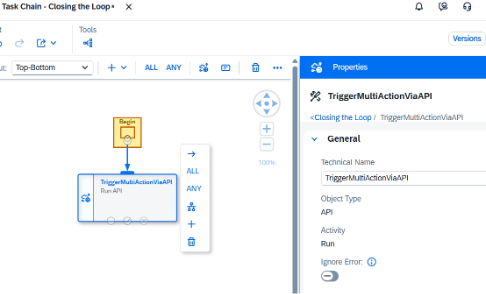
With the following settings:
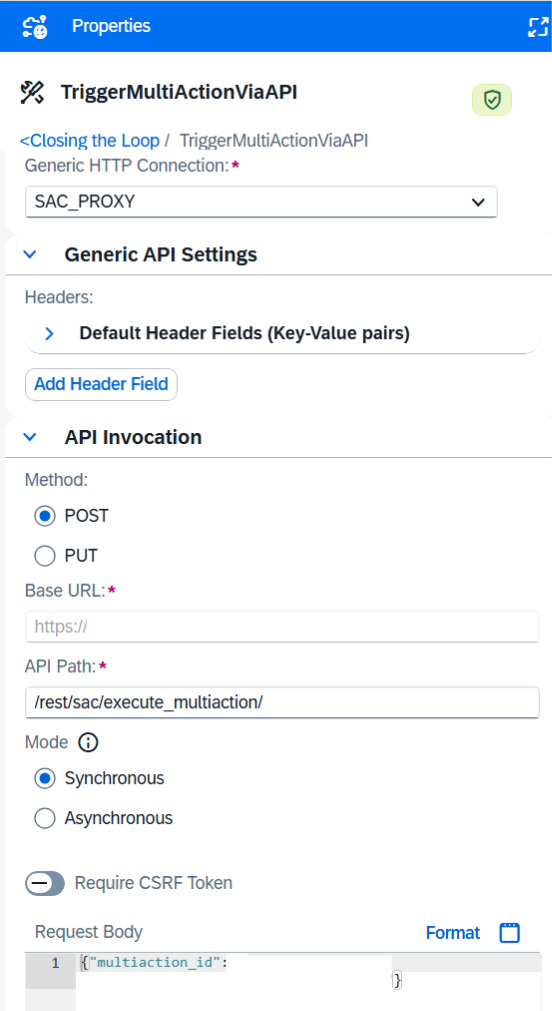
And if we did everything correctly, we can now proudly say that we closed the loop.
On the Datasphere side, in the Data Integration Monitor:

On the SAC side, in the Job Monitor:

And there we have it – a fully closed loop between SAC and Datasphere. Planning input entered in SAC now flows into Datasphere, where it can be enriched with master data, transformed, and run through any logic we like, with the results pushed straight back into SAC for planning. Thanks to the OData connection, OAuth handshake, public dimension, Multi-Action, and task chain we set up along the way, the whole process runs end-to-end. The benefits are obvious:
- Planners can refresh Datasphere-calculated values into SAC on demand via the task chain
- Master data is immediately enriched and pushed to SAC as soon as new data is available in the source system
- The same pattern can be reused for any future scenario that needs to combine SAC planning with the analytical power of Datasphere.
Or, in more famous words: we went there and back again 😉